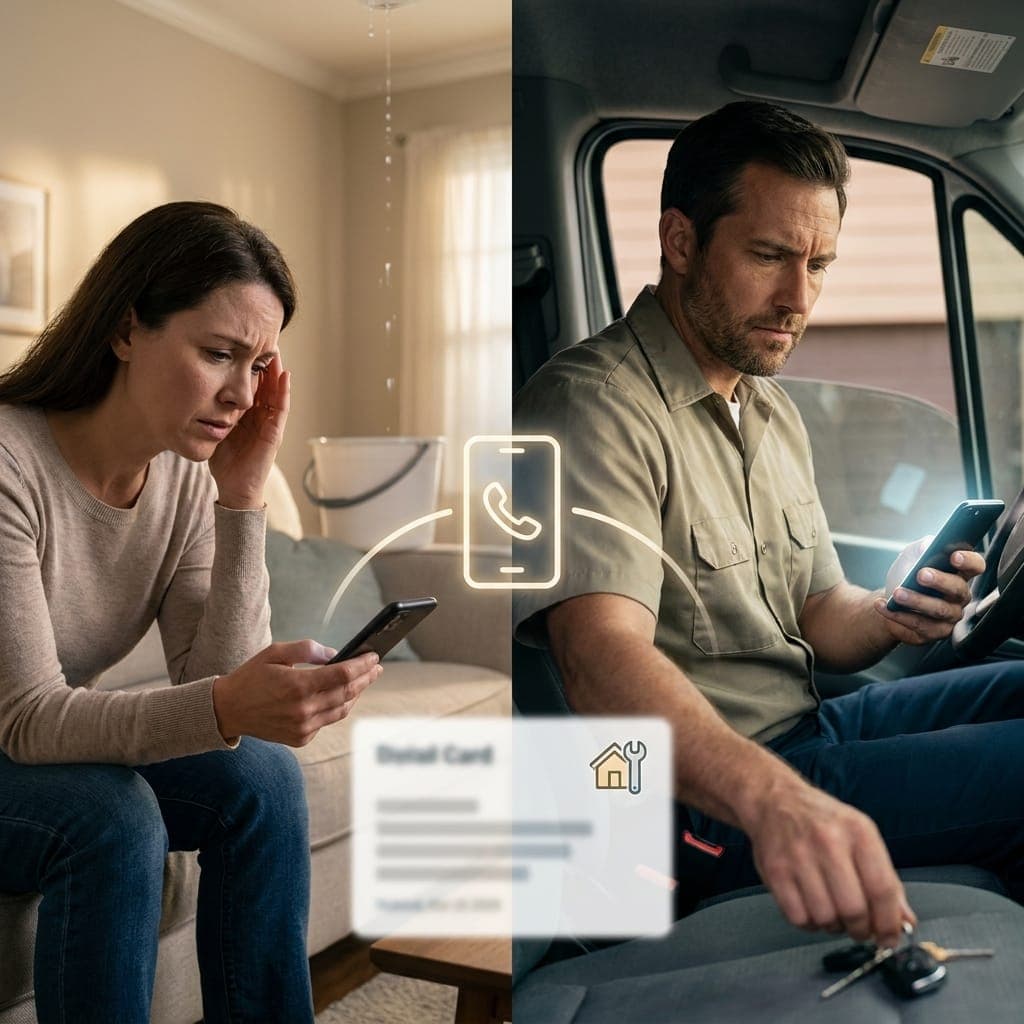
How an AI Receptionist Handles Emergency and Urgent Calls for Your Business
An AI receptionist can detect urgency, capture critical details, and alert you instantly. Here's exactly how, with real scenarios for plumbing, medical, and legal emergencies.
An AI receptionist handles urgent calls by detecting urgency from the caller's words and context, capturing critical details (location, problem, callback number), sending you an instant SMS alert, and giving the caller appropriate next steps while connecting them to you when possible. The whole sequence happens in under 90 seconds, day or night.
Whether that's enough depends on your business. For most small businesses (contractors, dental offices, property managers, solo practitioners), it covers the gap between "calling voicemail" and "paying $600/month for a dedicated emergency answering service." But there are situations where dedicated emergency services are still the right call. We will cover both.
TL;DR
- AI receptionists detect urgency using keywords ("emergency," "burst pipe," "won't stop bleeding"), context, and caller tone
- When urgency is detected, ZenOp captures critical details and sends you an instant SMS alert with the caller's info and a one-line summary
- For high-urgency calls, it can transfer the caller to you directly (you set the rules)
- Real scenarios: plumbing emergencies, after-hours medical questions, tenant lockouts, urgent legal intake
- Not a replacement for 911. Not a fit for businesses requiring guaranteed human response within seconds (high-acuity medical, life-safety services)
Why "What About Emergencies?" Is the #1 Objection
Every service business owner asks this when they hear about AI receptionists. It's the right question.
If you're a plumber, you can't have a caller with a flooding basement waiting on hold or talking to a chatbot that doesn't get it. If you're a dentist, a parent calling at 11 PM about a kid with severe pain needs to feel heard immediately. If you manage rental properties, a tenant locked out in the rain at 9 PM needs help, not voicemail.
The fear behind the objection: "AI will mishandle the one call that actually matters."
That fear is reasonable. Here's what AI actually does, and where the limits are.
How Urgency Detection Works
Modern conversational AI doesn't just transcribe words. It evaluates them against multiple signals:
Signal 1: Explicit urgency keywords. Words and phrases like "emergency," "urgent," "right now," "burst pipe," "no heat," "won't stop bleeding," "locked out," "flooding," "fire," "smoke," "gas leak," "fell" trigger immediate escalation logic.
Signal 2: Context. A call at 11 PM is treated with higher urgency baseline than a call at 2 PM. A caller using short, clipped sentences signals stress. Multiple repetitions of a problem signal panic.
Signal 3: Caller tone (where supported). Some AI systems analyze prosody (pitch, pacing, volume). Rising stress tone elevates urgency.
Signal 4: Configurable business rules. You define what counts as urgent for your business. A plumber's "drip under sink" is routine. The same phrase at a dental office might be flagged differently. ZenOp learns your specific business definitions during setup.
Once urgency is detected, the AI shifts behavior: shorter responses, more direct questions, no upsells, no extended FAQs. It focuses on getting the caller help fast.
The Escalation Flow
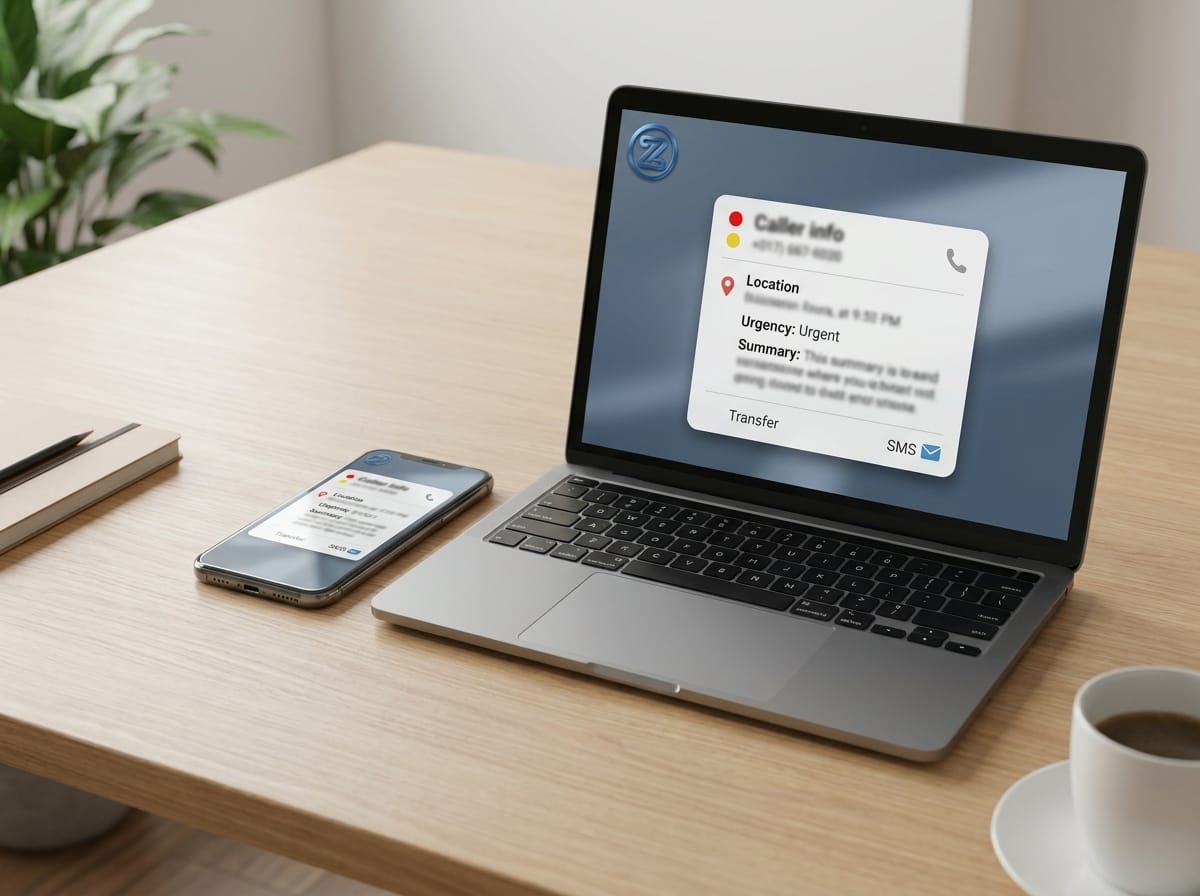
Here is exactly what happens when ZenOp identifies an urgent call:
- Acknowledge the situation in 5 seconds. The AI uses calming, direct language: "I hear you, this sounds urgent, let me get you help."
- Capture the critical info. Name, callback number, address, brief description of the problem. The AI knows to ask for these in order of priority.
- Send instant SMS alert to the business owner. Within seconds of urgency detection, you receive a text with the caller's number, location, and a one-line summary. Example: "URGENT: Sarah Mitchell, 555-0142, 425 Oak St. Burst pipe in basement, water rising."
- Optionally transfer the call. If you've configured live transfer for urgent calls, the AI conferences the caller to your phone while staying on the line to provide context.
- Give the caller next steps. Even if you can't take the call live, the AI tells the caller what to expect: "I've alerted [Business Owner] right now. They will call you back within 10 minutes. If this is life-threatening, please call 911."
- Follow up via SMS. The caller receives a confirmation text with your business number, the time of their call, and the issue logged.
You set the rules for what counts as urgent and whether to allow live transfers. ZenOp's post-call intelligence flags every call with an urgency score (low/medium/high/emergency) regardless of whether it triggered an alert.
Real Scenarios
These are based on the kinds of calls actual ZenOp customers handle.
Scenario 1: Plumbing Emergency at 9 PM
Call: "Hi, this is Mark, I'm at 1247 Oak Street. I just got home and my basement has 6 inches of water. The main line under the kitchen sink is spraying everywhere. Can someone come out tonight?"
AI response: "Mark, I'm so sorry that's happening. I'm getting [Owner] on the phone right now. While I do, do you know where your water main shutoff is? It's usually in the basement near where the water enters the house, or outside near the meter."
Behind the scenes:
- Urgency detected: keywords "spraying," "tonight," "right now," + after-hours context
- SMS sent to owner: "URGENT: Mark Adams, 555-0287, 1247 Oak St. Burst water main under kitchen sink, basement flooding."
- Transfer attempted: Owner's phone rings
- Caller hears: "[Owner] is calling you back in under 2 minutes. If you can't safely access the shutoff, call your water utility's emergency line, which I can also text you."
The plumber gets the lead. The caller gets help. Nobody waits until morning.
For more on contractor-specific call handling, see AI receptionist for home services.
Scenario 2: Medical After-Hours Question at 11 PM
Call: "Hi, my 4-year-old fell off the swing and now her wrist looks really swollen. Should we go to the ER or wait until you open tomorrow?"
AI response: "I'm so sorry, that sounds painful. I'm not a doctor and I can't diagnose over the phone, but our office policy for suspected fractures in young children is to go to urgent care or the ER, especially for visible swelling. I'm logging your call right now and Dr. [Name] will see her first thing tomorrow at no extra charge if you need to come in after the ER. Can I get your name and number to confirm?"
Behind the scenes:
- Urgency detected: "fell," "swollen," after-hours, child involved
- SMS sent to office: "URGENT-MEDICAL: Jennifer Lopez, 555-0334. 4yo daughter, possible wrist fracture from fall. Recommended ER, offered follow-up appointment tomorrow."
- Caller receives confirmation text + office address
- Dr. is notified and can call back if they want to
The AI doesn't try to be a doctor. It follows your office policy, helps the caller, and keeps everyone safe.
Scenario 3: Tenant Lockout at 8 PM Sunday
Call: "Hi, I'm a tenant at the Maple Street apartments, unit 4B. I got locked out, my keys are inside, my phone is at 5%, and it's pouring rain. Is there an emergency maintenance person I can reach?"
AI response: "Yeah, let me get someone to you right away. I'm texting our on-call maintenance person now. They'll call you back within 15 minutes. What's the best number to reach you on, even with low battery? And just to confirm, you're at unit 4B at Maple Street?"
Behind the scenes:
- Urgency detected: "locked out," "5%," "pouring rain," weekend evening
- SMS sent to property manager AND on-call maintenance: "URGENT-LOCKOUT: Lisa Kim, 555-0419, unit 4B Maple St. Locked out, low battery, in the rain."
- Both responders get the alert. First to respond confirms the dispatch.
Scenario 4: Urgent Legal Intake at 7 AM
Call: "Hi, I was just arraigned yesterday and my preliminary hearing is Friday. I don't have a lawyer yet. Can someone meet with me today?"
AI response: "I understand the urgency. Preliminary hearings move fast. I'm flagging this for [Attorney Name] right now. They typically respond to urgent intake calls within 30 minutes during business hours. Can I get your full name, the case number if you have it, and the best callback number? And can you confirm what court the hearing is in?"
Behind the scenes:
- Urgency detected: "preliminary hearing Friday," "don't have a lawyer," compressed timeline
- SMS sent: "URGENT-INTAKE: David Park, 555-0501. Arraigned yesterday, prelim hearing Friday in Orange County Superior. Needs counsel ASAP."
- Attorney sees the alert before their first coffee
When Urgency Detection Wins vs Loses
Honest comparison. AI receptionist urgency handling vs your other options:
| Situation | Voicemail | AI Receptionist | Dedicated Emergency Service ($300-$800/mo) |
|---|---|---|---|
| Call answered within 2 rings | No | Yes | Yes |
| Detects urgency from caller's words | No | Yes | Yes (human listening) |
| Captures caller info even if you don't pick up | Sometimes (if they leave a message) | Always | Always |
| Sends you an instant alert | No | Yes (SMS within seconds) | Yes (call to your phone) |
| Triages by severity | No | Yes (rule-based) | Yes (human judgment) |
| Can hand off complex emotional situations | No | Limited | Yes |
| Available 24/7/365 | Yes (silent) | Yes (active) | Yes |
| Cost per month | $0 | $150-$550 | $300-$800+ |
| Best for | No emergencies expected | Most small business emergencies | High-acuity, life-safety, legally-regulated |
Honest Limitations
This is where I'd lose trust if I didn't tell you the truth.
An AI receptionist is NOT appropriate for:
- Life-threatening medical emergencies. Callers having a heart attack, stroke, or severe allergic reaction need to call 911. ZenOp's response to these scenarios should include "if this is life-threatening, please call 911 right now." This is configured in setup.
- HIPAA-regulated medical practices. ZenOp is not HIPAA compliant. If your practice handles PHI, you need a HIPAA-compliant service.
- Suicide hotlines or crisis intervention services. These need trained human responders, not AI.
- Calls requiring deep emotional support. If the relationship between caller and your business is built on warm human empathy in stressful moments (think funeral homes, grief counseling, hospice), a human-first service like a live answering service is the better fit.
- Sub-30-second response SLAs. If your service contract requires a human voice within 30 seconds of every call, you need a dedicated answering service with live agents on standby.
An AI receptionist CAN handle:
- After-hours overflow for general service businesses
- Triage and escalation of varying urgency levels
- Instant SMS notifications to you for any flagged call
- Live transfer to your phone when you're available
- Detailed call records and quality scoring on every call (urgent or not)
The honest test: if you've been letting calls go to voicemail because you can't afford a 24/7 human answering service, ZenOp is a strict upgrade. If you're considering replacing a dedicated emergency answering service that's working well, think carefully about your specific call profile first.
What Your Configuration Looks Like
When you set up ZenOp, you tell it:
- Which keywords/phrases count as urgent for your business
- What hours count as "after-hours" (different urgency baseline)
- Whether to attempt live transfer for urgent calls, and to which number(s)
- Backup contacts if the primary doesn't answer
- What to tell callers if you can't be reached (e.g., "call 911 if life-threatening")
- Whether to send SMS alerts for high-urgency only, or also medium-urgency
You can change any of these any time from your dashboard. Most businesses tune their urgency rules in the first 2 weeks based on what's actually coming in.
Frequently Asked Questions
Can ZenOp actually transfer urgent calls to me live?
Yes, if you configure it. You set the rules (which urgency level triggers a transfer, which phone to transfer to, and what backup numbers to try). The AI tells the caller "I'm getting [Owner] on the phone right now" and conferences you in.
What if I miss the transfer call?
ZenOp keeps the caller engaged with relevant questions while attempting transfer, captures their full details, and sends you an SMS alert. The caller knows you've been notified and will call back. You can configure cascading backup numbers if you want a partner or on-call team member to be tried if you don't answer.
Will the AI tell people to call 911 in life-threatening situations?
Yes, this is part of standard configuration. For medical practices, dental offices, and similar businesses, the AI is set up to direct callers to 911 or the ER when the situation suggests immediate life-threat. We strongly recommend this configuration for any business where callers might face medical urgency.
What if the AI mishandles an urgent call?
Every call is logged with full transcript, urgency score, and outcome. If a call was mishandled, you see exactly what happened and can adjust the rules. The post-call intelligence flags any call where the urgency detection seemed off, so you can refine over time.
Does this work after hours?
Yes. After-hours urgency baseline is automatically elevated. A call at 10 PM gets treated as higher-priority than the same call at 2 PM. Read after-hours call answering for more on after-hours workflows.
How does this compare to a dedicated answering service for emergencies?
Live human services like Smith.ai or specialized emergency dispatch services have one advantage: deeper emotional reading on truly complex calls. They cost 3-8x more and may not be available 24/7 depending on plan. For most small business emergency call patterns, AI handles 90%+ of cases well. For the remaining edge cases (suicide hotlines, crisis intervention, high-acuity medical), you need a specialized service.
Want to hear how it handles a fake urgent call?
Try the live demo: call (760) 993-6677 and say "I have an emergency." Listen to how it responds. That's exactly what your callers would hear, except trained on your business.
Or start a 30-day free trial and configure your own urgency rules in under 5 minutes.
Get notified when ZenOp launches in your area
We're rolling out across the US. Be the first to know when ZenOp is available for your business.
No spam. Just launch updates.